Prepare job applications. Polish, export, and track.
Import the job, polish the resume and cover letter, export the
files you send, and keep the record. You edit the real export
page, so what you see is what the PDF prints. Your workspace stays
on this machine.
No RoleFit account · Local workspace · Your choice of supported provider
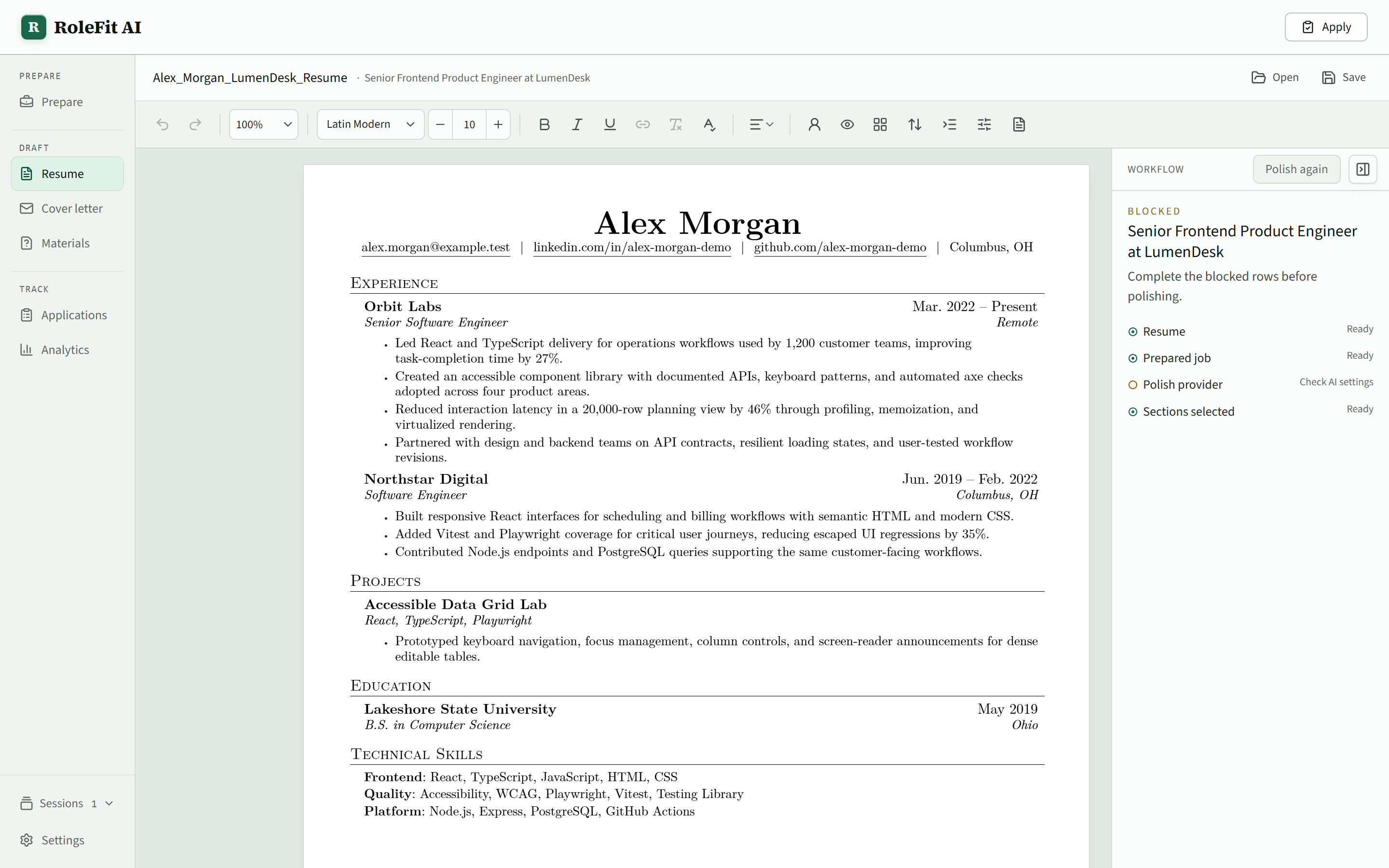
Fig. 1 The page you edit is the page that exports.
workspaceDevice-local
providers2 CLIs + 2 APIs
documents.resume + .cover
workspace backup.rolefit-backup
Prepare, export, and track one application.
Prepare the posting, work on both documents, export the files you
send, and keep the dates and follow-up with the application record.
Every proposed change waits for your decision.
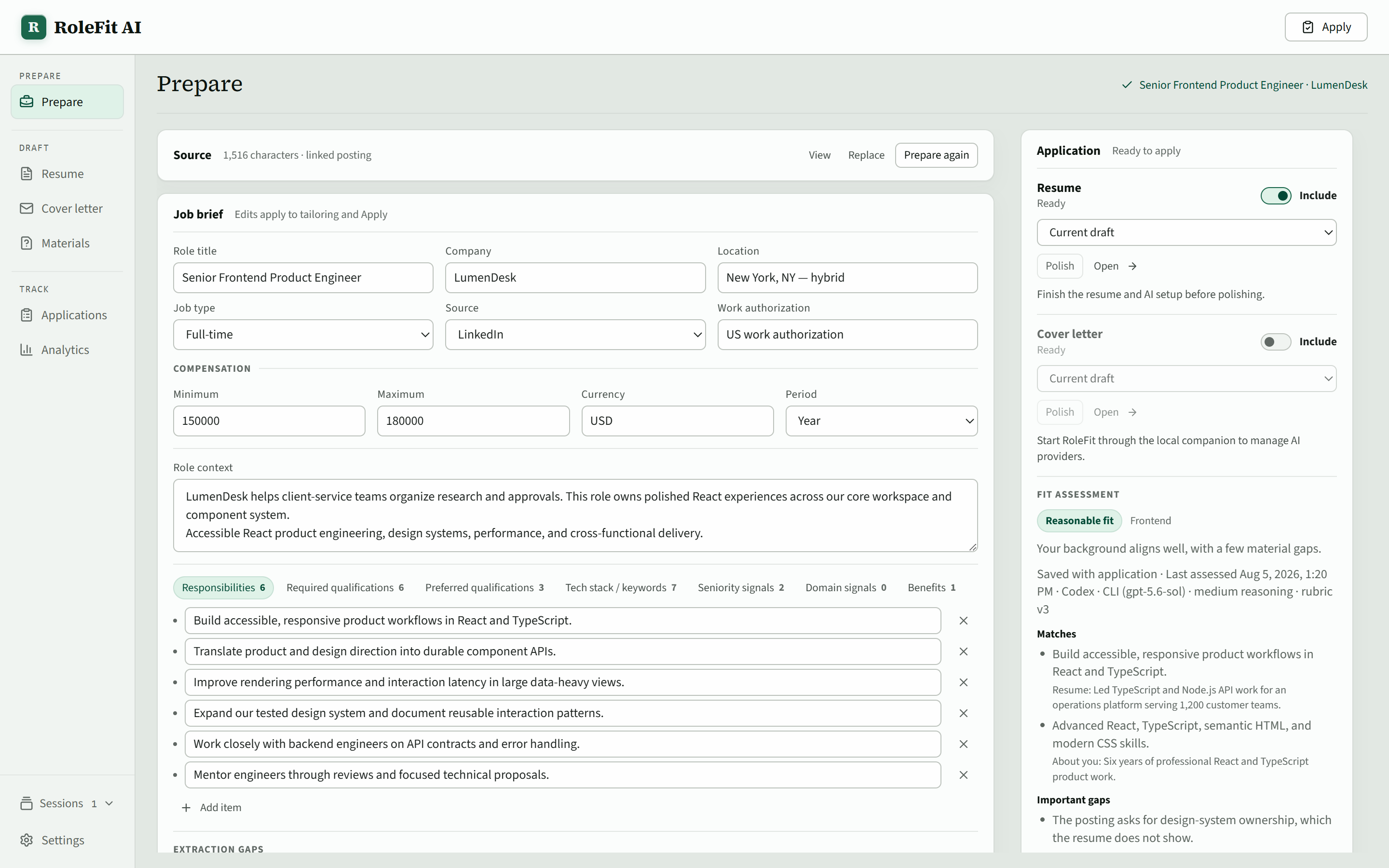
01 Prepare
Start from the posting.
Import a job from the browser extension, a URL, or pasted text.
RoleFit turns it into an editable brief and assesses your resume
against it, quoting the lines it matched and naming the gaps it
found. Decide whether the role is worth the work before you write
anything.
02 Resume
Decide the resume edits one at a time.
Polish proposes changes and shows what each one rewrites.
Accept them all, work through them individually, or discard
them. The resume changes only when you say so, and any
decision can be taken back.
Detail · workflow rail
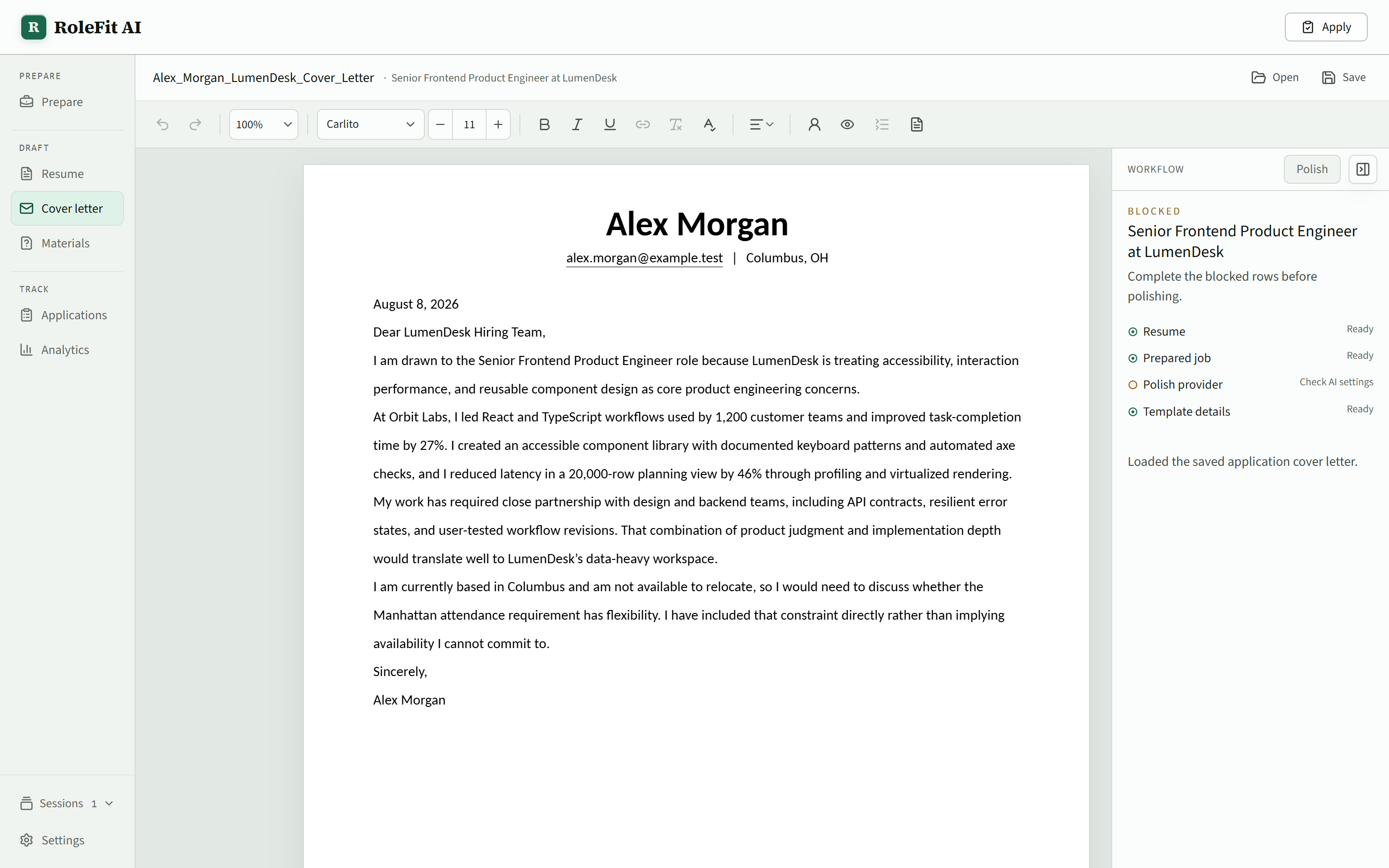
03 Cover letter
One pass on the letter.
Open a saved variant or your own template and press Polish
once. The proposal sits beside the unchanged letter with the
rewritten words marked, so accepting it is a decision rather
than a surprise.
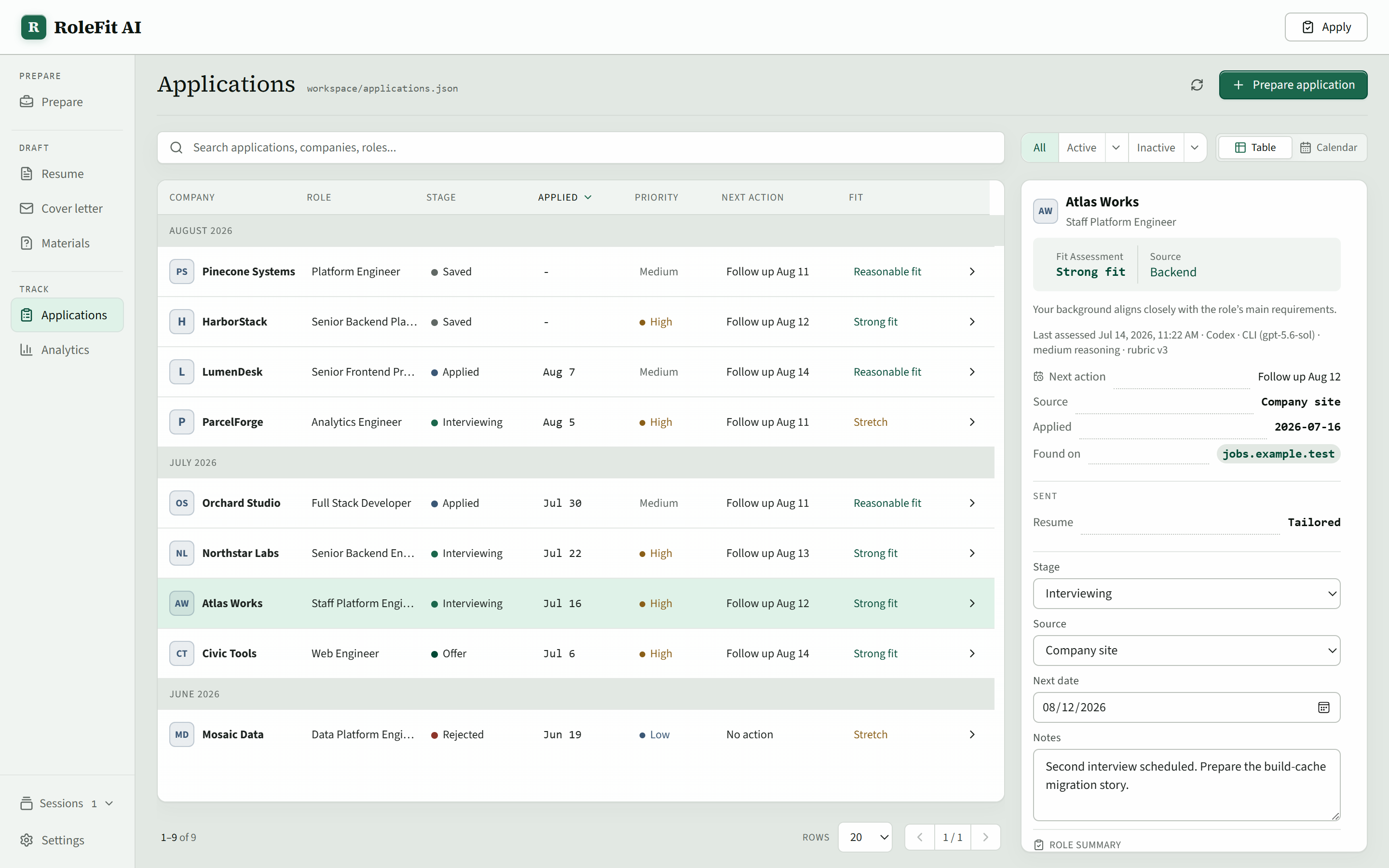
04 Track
Keep the record after you apply.
Stage, fit verdict, dates, next action, notes, and the exact
files you sent stay in the same local workspace as your
documents. Sort the table, work the calendar, or reopen a saved
application to pick the work back up.
Your machine runs RoleFit AI.
The desktop app starts a loopback service and opens the workbench
in your normal browser. This site only provides product information
and downloads.
Stays local
Resumes, cover letters, applications, notes, and exported artifacts
Provider registry and operating-system-encrypted API keys
Validated portable backups, restored only with your approval
Only when you run AI
The necessary input goes directly to the provider you chose
No RoleFit credential proxy, hosted backend, or sync service
No analytics or telemetry service
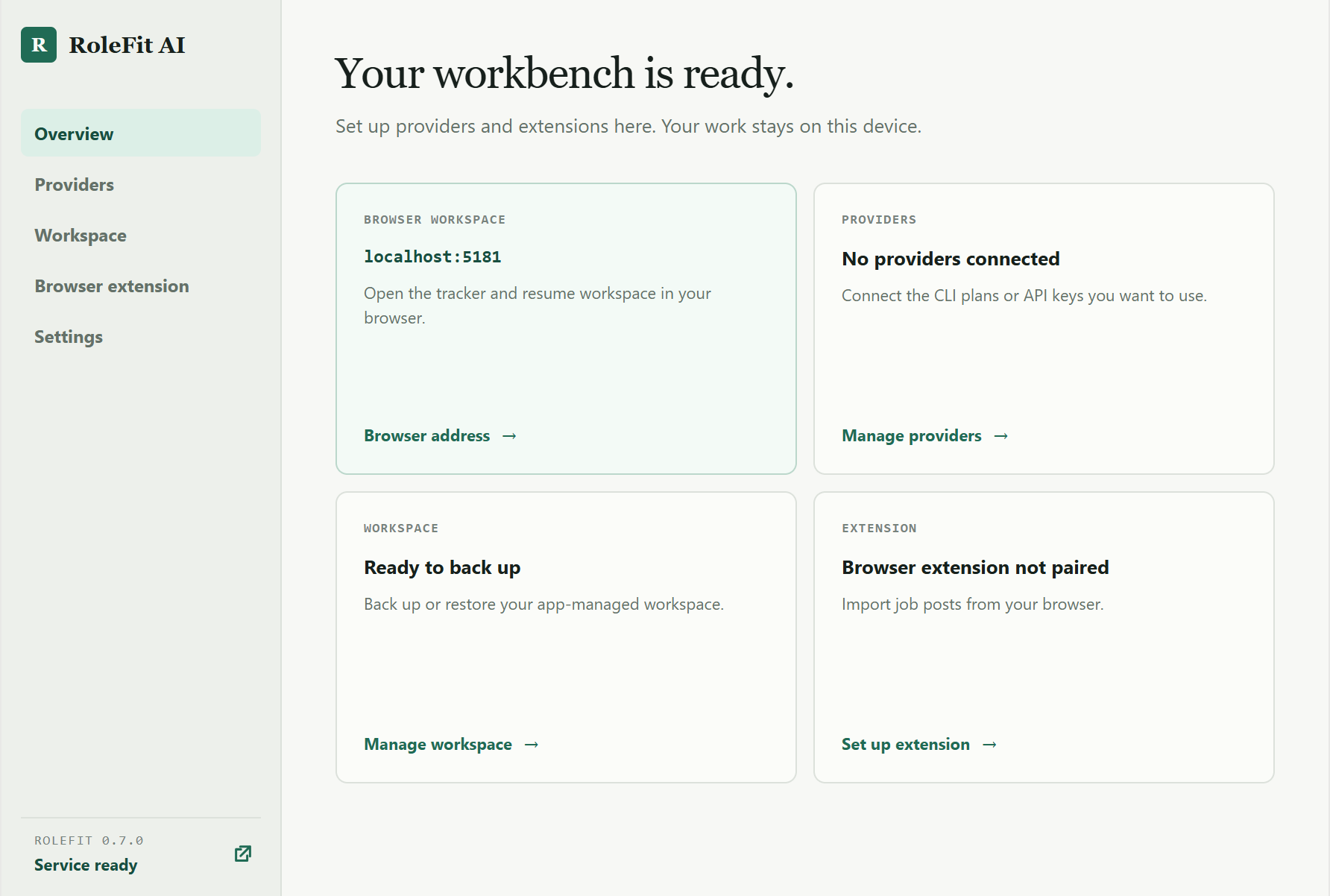
Fig. 2 The companion: providers, backups, extension pairing, and the browser launch.
How it runs
RoleFit AIDesktop companion
localhost browserThe workbench, on loopback
Your providerOnly on request
Desktop downloads
Install RoleFit AI.
Choose the installer for this computer. Architecture is never guessed,
and every published artifact is covered by the checksum file.